
Tools6 min read
Client tracking tools for coaches: an honest comparison
Spreadsheet, Notion, or dedicated software? A frank comparison of client tracking tools for solo coaches: criteria, trade-offs, and what holds up long-term.

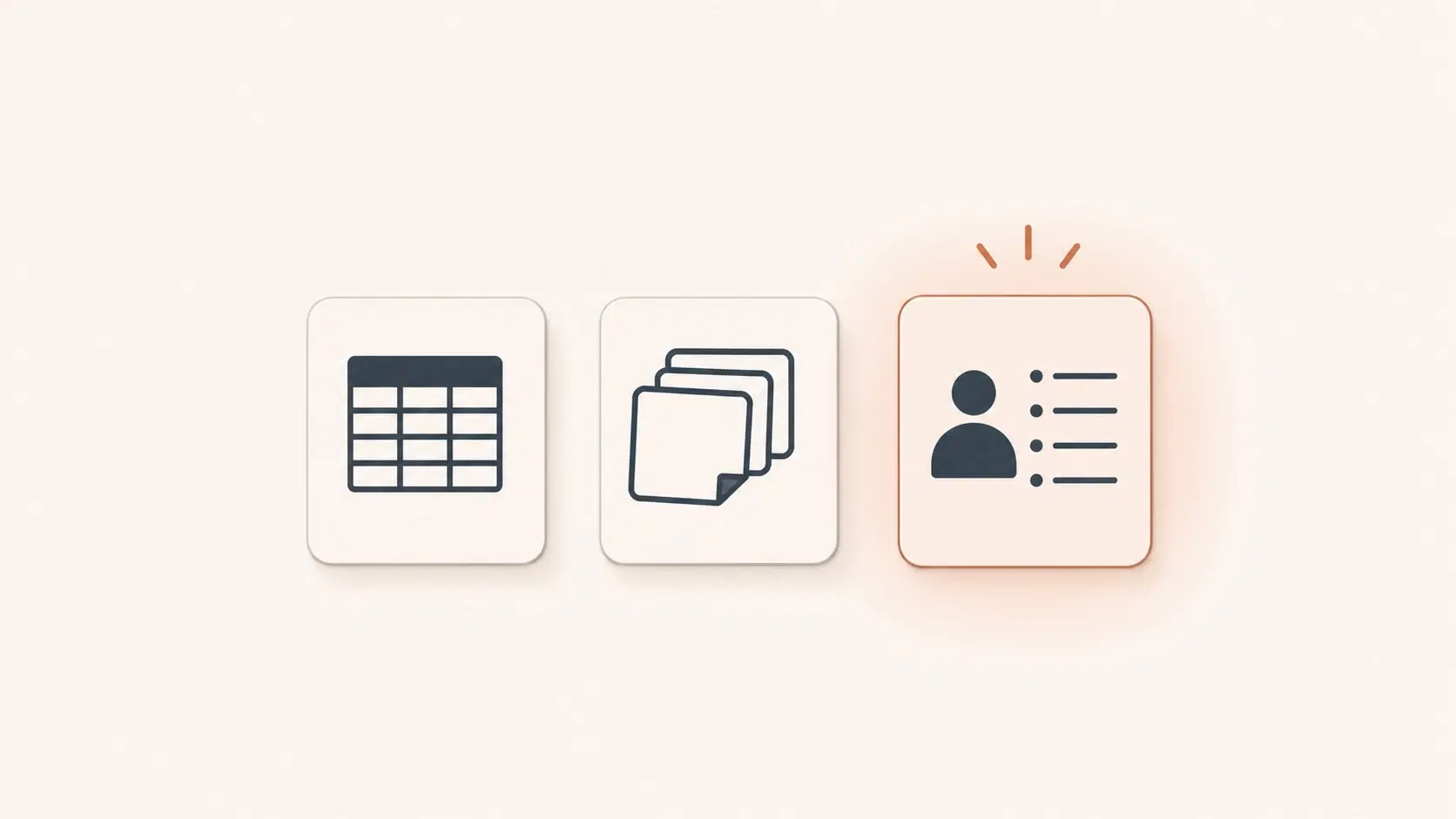
Which client tracking tool actually works for a solo coach?
In short: a spreadsheet works for the first three or four clients and quietly breaks around ten; Notion and Trello are flexible but demand an input discipline few coaches sustain; a dedicated coaching tool holds up as the roster grows because its structure is built around the relationship, not project management.
Choosing a client tracking tool is one of the most practical decisions an independent coach makes, and one of the most frequently deferred. You start with a spreadsheet because it costs nothing, move to Notion because it looks cleaner, and end up with notes scattered across three different systems without ever having made a conscious choice.
This article offers an honest comparison across the three main categories (spreadsheet Excel or Google Sheets, general-purpose tool like Notion or Trello, and a dedicated coaching tool) measured against criteria that actually matter for a solo practice: centralisation, longitudinal memory, privacy, time invested, and the ability to hold up as your client roster grows.
| Criterion | Spreadsheet (Excel/Sheets) | Notion / Trello | Dedicated coaching tool |
|---|---|---|---|
| Centralisation | One file, but drifts over time | Flexible, you build it | Built in from the first client |
| Longitudinal memory | Rows to scan, no comprehension | Manual links, not automatic | Contextualised across sessions |
| Privacy | Google servers (US) | US hosting by default | European hosting available |
| Time invested | Low at first, rises with upkeep | High to build and maintain | Minimal after each session |
| Holds up as you grow | Breaks around 10 clients | Needs discipline few sustain | Scales without rebuilds |
Spreadsheets: simple, free, and quick to hit a ceiling
Excel and Google Sheets have one major virtue: everyone already knows how to use them. For a coach starting out with three or four clients, a well-structured sheet (one row per session, columns for topics and agreed actions) can work perfectly well for the first few months.
The first problem surfaces around longitudinal memory. Finding what a client said in session 2 that resonates with what they're experiencing in session 8 means scanning rows of data rather than understanding a relationship. Spreadsheets store; they don't organise comprehension. The second issue is privacy: Google Sheets syncs to Google's servers, headquartered in the United States. Not automatically disqualifying, but worth considering when the data touches clients' psychological wellbeing.
The third problem (the most insidious) is fragility. A spreadsheet maintained by one person, with no enforced structure, drifts over time. Columns multiply, naming conventions shift, notes get shorter when you're tired. At ten active clients, most coaches find their spreadsheet has quietly stopped working.
Notion and Trello: flexible, but not built for coaching
Notion has earned its following among solopreneurs for good reason: it's polished, highly flexible, and can be shaped into a per-client database with nested pages, kanban views, and session templates. Trello is more constrained but suits some working styles.
The difficulty isn't technical; it's conceptual. These tools are designed for project management, not for the relational memory that coaching requires. They don't automatically connect what a client said in February to what resurfaces in September. Building a genuinely useful system in Notion takes real time, and maintaining the input discipline it demands is something few coaches sustain over the long term.
Privacy considerations are similar to spreadsheets: Notion hosts data in the United States by default. An EU hosting option exists on paid plans, but it isn't switched on automatically.
And unlike a dedicated tool, Notion doesn't adapt to your practice: you adapt to its logic.
The dedicated tool: when structure is built around coaching
A tool designed specifically for coaching client tracking operates on a different premise: the structure is already there, shaped around the real needs of an ongoing engagement, and the system scales with your practice without requiring you to rebuild it.
Five criteria separate a strong dedicated tool from a well-customised general one:
Centralisation. Every piece of information about a client (sessions, committed actions, recurring themes, shared documents) lives in one place, without hunting through separate tabs.
Longitudinal memory. Tracking isn't a list of notes: it builds a picture of the client's progression over time. What was said in session 1 should remain accessible and contextualised in session 10.
Privacy and data protection. For data touching clients' psychological wellbeing, European hosting isn't a luxury. It places you under GDPR jurisdiction, avoids difficult-to-justify transfers outside the EU, and protects you in the event of a data access request. For a fuller picture, read our article on AI, coaching, and data protection.
Time invested. The best tool is the one you actually use. If it requires fifteen minutes of data entry after every session, it won't last. Recording a session note should take as little of your attention as possible, so that you can stay present for the next client.
Scalability. A solo coach with five clients and one with twenty have different organisational needs. The right tool should follow that growth without forcing you to rebuild your system from scratch each time.
When does the dedicated tool win?
The pattern most coaches describe runs something like this: a spreadsheet holds together up to eight or ten active clients, sometimes fewer. Beyond that, the mental overhead of tracking who said what, recalling commitments from the previous session, and preparing each meeting without mixing up clients becomes a real drag on quality of presence.
That's often the moment when managing a larger client roster stops being an ambition and becomes an operational problem. The "good enough for now" tool turns into a liability.
A dedicated coaching tool solves this in advance: it imposes a sound structure from the very first client, so that at twenty clients you're not rebuilding your organisation from scratch.
It also addresses a frequently underestimated question: measuring client progress. Understanding where a client genuinely stands, spotting recurring patterns, identifying what has shifted since the engagement began: a spreadsheet doesn't do this. Notion doesn't either, not without a disproportionate investment of time. A good dedicated tool does it naturally, because that's exactly what it was built for. For more on this, see our article on how to measure client progress in coaching.
What AI changes in the equation
A recent development is worth naming: client tracking tools that integrate AI no longer simply store notes. They can automatically capture the content of a session (with the client's consent), produce a structured summary in seconds, and build a queryable longitudinal memory, without any manual entry on your part after the session ends.
This isn't a distant prospect. It's what Klarity offers coaches. The tool captures and summarises each session, builds the memory of each client engagement after engagement, and delivers a briefing before every meeting. Hosting in France, data never used to train third-party AI models, strict isolation between coaches.
If you're looking for a client tracking tool designed around your practice, not another spreadsheet to maintain, discover Klarity.
Frequently asked questions
At how many clients does a spreadsheet stop working for coaching?
Most coaches find a spreadsheet holds together up to eight or ten active clients, sometimes fewer. Beyond that, scanning rows to recall what each client said and committed to becomes a real drag on quality of presence, and the good-enough-for-now tool turns into a liability.
Is Notion good for tracking coaching clients?
Notion is flexible and can be shaped into a per-client database, but it is built for project management, not relational memory. It does not automatically connect what a client said in February to what resurfaces in September, building a useful system takes real time, and it hosts data in the United States by default.
What makes a dedicated client tracking tool better for coaches?
A dedicated tool imposes a sound structure from the first client, centralises everything in one place, builds a longitudinal memory contextualised across sessions, and scales without forcing you to rebuild your system. Tools that add AI can also capture and summarise sessions automatically, removing manual entry.
What if memory were to build itself?
Klarity prepares your sessions and keeps the thread of every client, for you.
Read next
All articlesTools
Client management software for coaches, reconsidered
Client management software for coaches usually means a sales CRM. For a solo coaching practice, the real need is different. Here is what to look for.
Tools
Granola AI alternative for coaches: what to look for
Granola is a great AI notepad for meetings, but coaching needs more. What a Granola AI alternative should offer a solo coach: memory, briefings, privacy.
Tools
Coaching software for solo coaches: how to choose
A guide to coaching software and platforms for solo coaches: all-in-one admin platforms, a lightweight stack and memory-first tools compared, with the tools named.